
Guide
Starlink Wi-Fi and Remote Work in Nusa Penida
By Visit Penida Editorial Team
Last edited:
Facts reviewed:
- Category
- Practical planning
- Area
- Crystal Bay
- Highlights
- Guest Starlink at Mahaloka Valley, Test calls where you will work, Keep mobile data ready
In this guideCheck the connection before an important call
Check the connection before an important call
Wi-Fi varies between hotels and rooms. Ask what connection the hotel uses and test calls or uploads where you’ll actually sit. Keep mobile data or offline work ready if the connection drops.
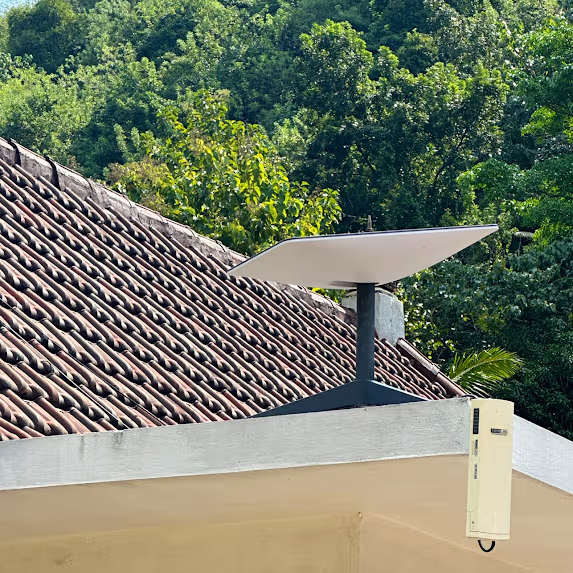
Starlink at Mahaloka Valley
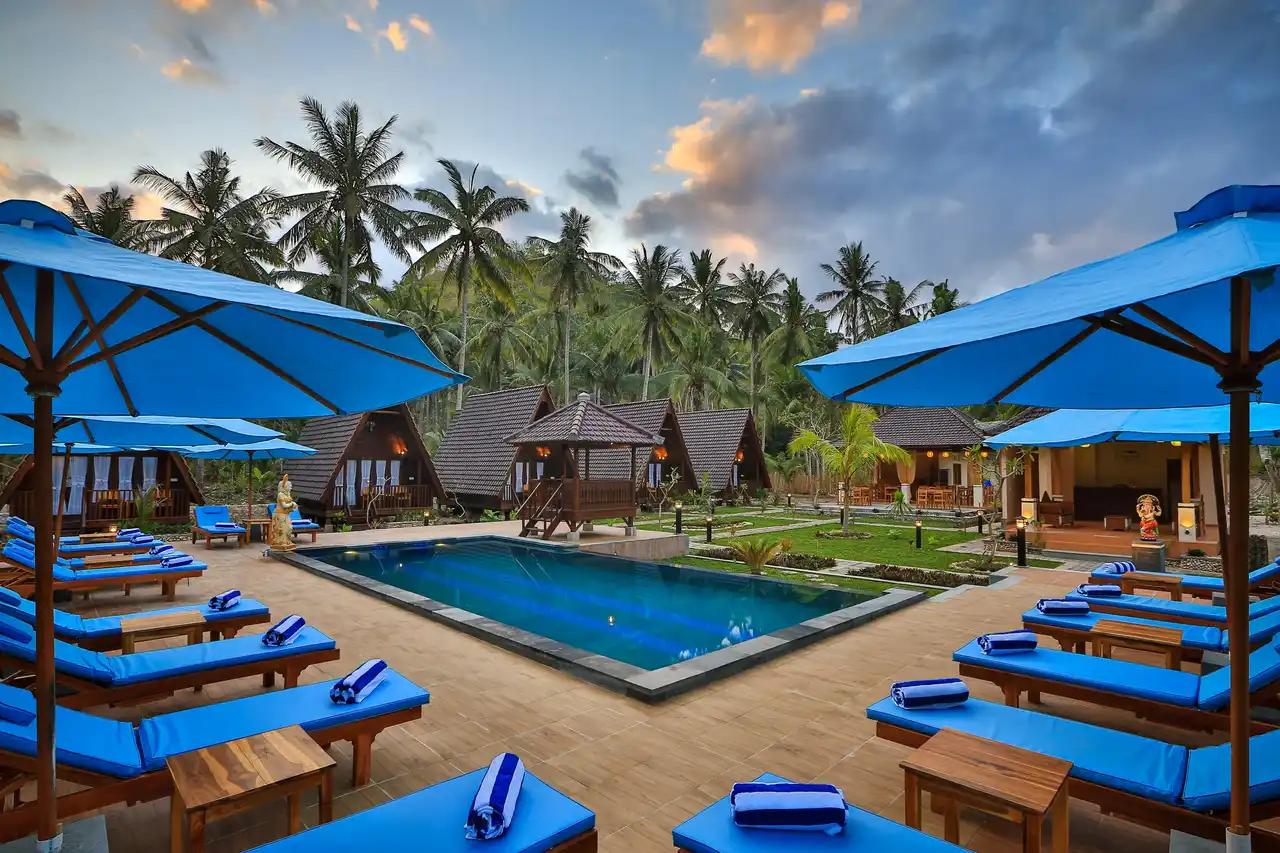
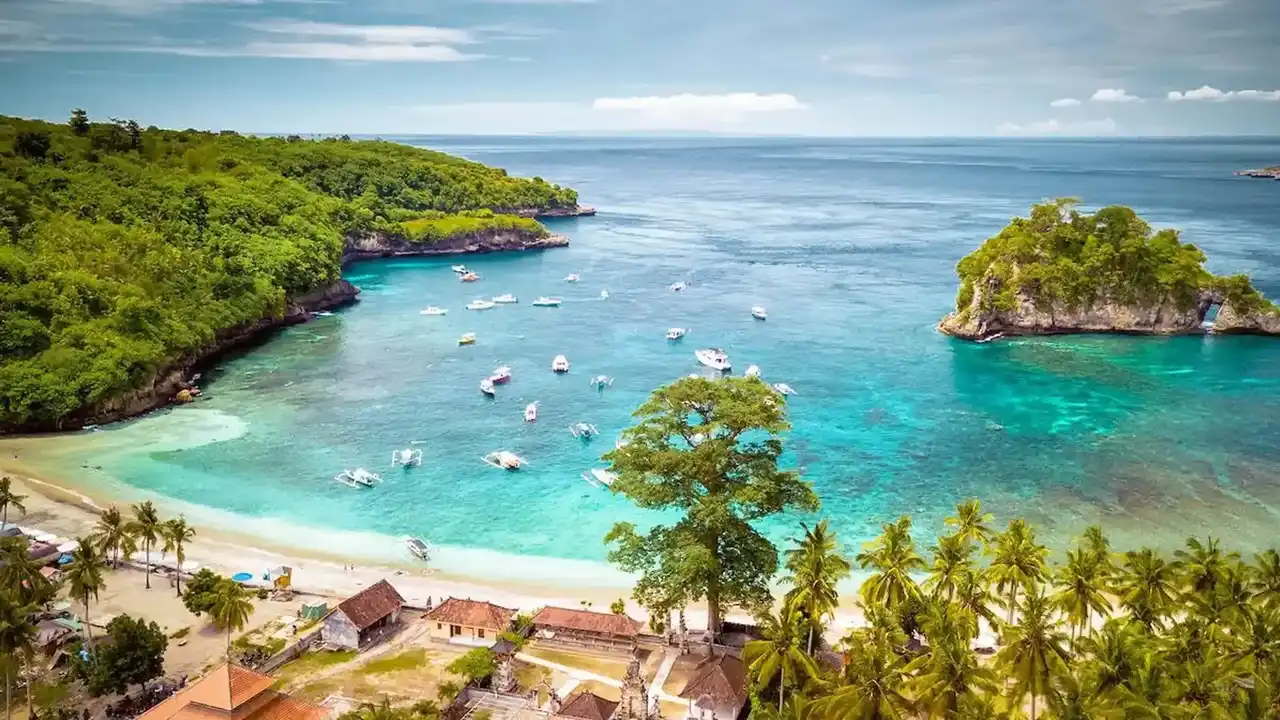
Mahaloka Valley provides complimentary Starlink Wi-Fi for guests near Crystal Bay. You can work between beach outings, with a pool and restaurant nearby.
Test the connection for your own tasks rather than relying only on a speed claim.
Before a work day
- Test a call, upload, and download from your work spot.
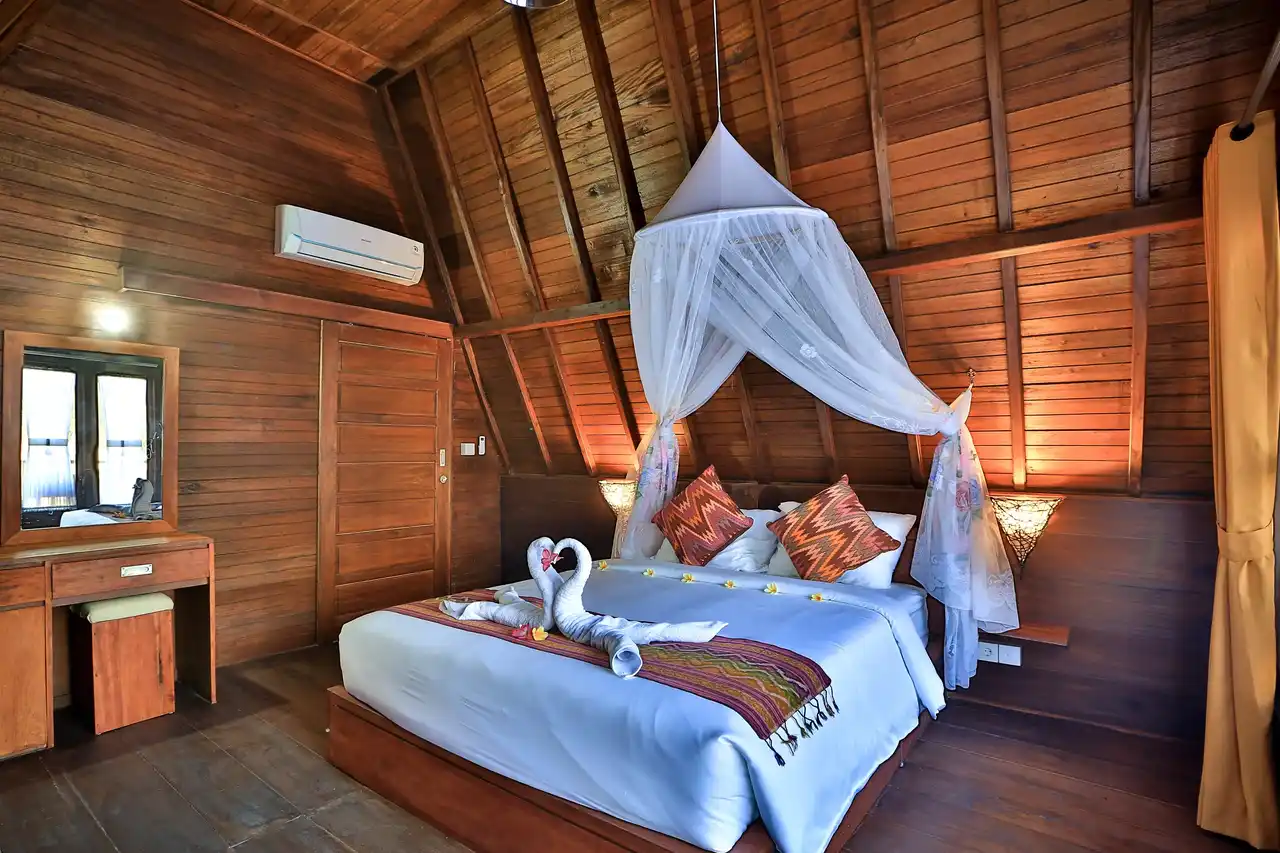
- Check the desk, seating, sockets, and room noise.
- Charge a power bank and keep mobile data ready.
- Save files you can work on offline.
- Avoid putting an important call immediately after a boat journey.
What Starlink is useful for
Starlink Wi-Fi can help with messaging, maps, uploads, calls, and remote work. Speed can still vary with demand and weather. Keep a backup for work you can’t postpone.
Leave time for work and the beach
Stay several nights so work and sightseeing don’t compete for the same day. Use the Crystal Bay slow guide and 3D2N beach stay for a simple starting plan.
Ask before you book
Tell the hotel what you need for work and ask about the room’s Wi-Fi, desk, and power. See mobile data advice for your backup connection.
Visual guide
Starlink Wi-Fi and Remote Work in Nusa Penida visual guide
Real, credited travel photography selected to explain the route, area, or experience.
Continue planning
More travel guides
Research notes
Sources and verification
Check current boat times, prices and conditions before you go.
- Starlink Indonesia official website Checked Sep 25, 2026
- Mahaloka Valley official facilities page Checked Sep 25, 2026